Bosch ADS X Software Update Expands Diagnostic Coverage and Calibration Precision
Bosch has pushed updated software to its ADS X diagnostic suite, according to Tire Review Magazine.
Aldous Moorland·updated August 31, 2026
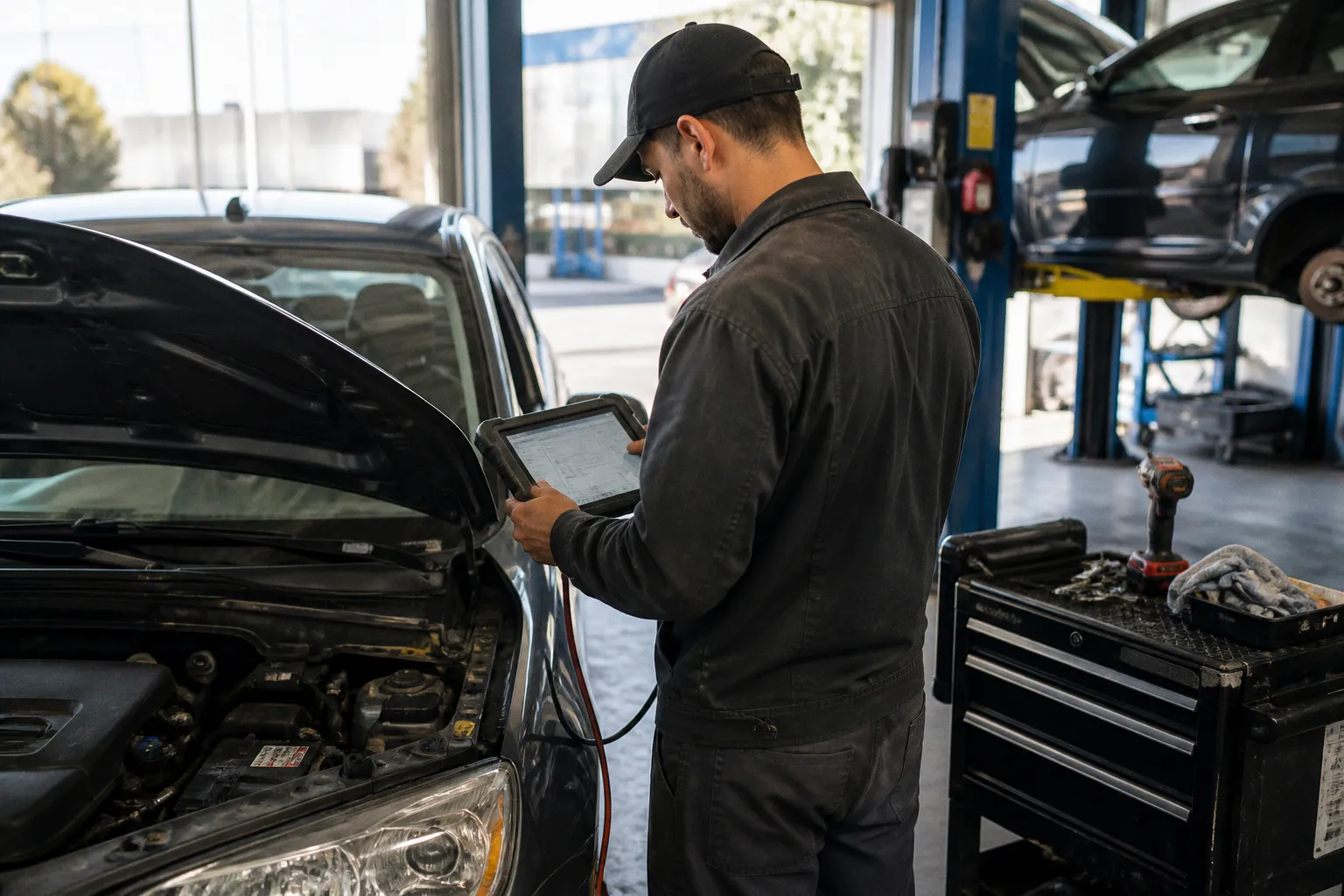
Coverage and calibration data sets were expanded in the release — a direct operational factor for any bay running Bosch tooling on European or Asian platforms.
What the package contains
The release is described as expanding coverage and recalibrating existing parameters. Expanded coverage, in diagnostic-tool terms, translates to additional model years, vehicle systems, or ECU variants now addressable through the ADS X interface. Calibration updates revise the reference values the tool applies against live sensor data when running automated test sequences, ADAS routines, or post-repair verification procedures.
If the tool reports a system as unsupported where it previously identified the ECU, the cause is almost always a stale dataset. If a calibration completes but the post-repair drive cycle returns an implausible reading, the dataset is the first variable to isolate. Either condition clears once the updated package is installed and verified against a known-good control vehicle.
Why import bays should prioritize the install
ADS X is positioned as an OE-level tool for vehicles carrying Bosch-sourced ECUs, sensors, and ADAS hardware — a category that overlaps heavily with the European and Asian import segment. Stale coverage tables produce false negatives during pre-scan workflows and force a fallback to OEM-specific scanners, raising cycle time per job. Outdated calibration references can pass a repair that should fail, or fail a repair that is correctly executed.
High-impact routines tied to dataset version: battery registration on recent imports with IBS sensors, steering angle sensor zeroing after alignment work, and ADAS camera or front-radar alignment procedures. If the bay is paid to deliver a pre-scan, post-scan, or recalibration on a current-generation import, the dataset version stamped on the report is part of the deliverable.
Verification baseline before production work
After installation, confirm the dataset version in the tool's system information menu before connecting to any customer vehicle. Cross-check the printed or displayed version against the release note issued with the package. Run one known-good vehicle through a full-system scan and confirm three conditions: no unsupported-module false flags, all DTCs return plausible freeze-frame data, and at least one ADAS or emissions-related calibration completes within manufacturer tolerance.
If any of those three conditions fails, the install did not commit correctly. Re-image the tool, re-run the installer, and repeat the verification before clearing the unit for production use.