EcuTek August Update: New ROM Format and Firmware Requirements Explained
EcuTek just pulled the rug on that familiar ritual.
Judson Grier·updated August 25, 2026
The Hardware Won't Lie: EcuTek's August Update Changes the Lay of the Land
If you've been flashing an import ECU this year, you've probably felt the moment — the laptop whirs, the dongle blinks green, and you wait for the file to seat itself into memory. EcuTek just pulled the rug on that familiar ritual. As of August 24th, 2026, the new ProECU release retires the.bin format entirely and consolidates everything under a single.rom container, a one-way change that demands updated interface firmware before any ECU can be programmed. For most of us in the bay, the transition will look seamless on the surface, but underneath sits a chain of hardware dependencies we need to sort through before the next flash job walks in.
What Actually Moved Under the Hood
The bones of the change are simple but consequential. The unified.rom format replaces separate.bin files for every ECU type, and existing stock and RaceROM files have been refreshed to match. New EVI firmware — for both USB and Bluetooth interfaces — ships alongside it, and the original green CANbus cable from Sense Solutions is no longer recognized for programming. Two narrow exceptions remain: 99-00 Subaru, 01-04 Subaru, and Mitsubishi Evo 5-9 keep their specific black interface cables.
That's the mechanical reality, and it ripples outward. Any.rom file saved with the new ProECU will refuse to open in an older install, which means a tuner who updates first can quietly strand a sub-dealer or retail customer still running stale software. The new build also refuses to launch inside a Windows or macOS virtual machine, and it shuts down if it detects developer tools like Visual Studio, Delphi, or IDA running in the background — a guardrail, but one that will surprise the first technician who keeps an IDE parked in the taskbar.
What to Do Before the Next Flash
The work itself is straightforward, but it has to happen in order. Pull ProECU up, open the Help menu, and run EcuTek Update — click "Update Software" when the dialog appears. After that lands, head to the Hardware pulldown and run "Interface Firmware Update" on every EVI-BT or USB unit in the shop. Skip that second step and the next ECU will refuse to talk.
If you're running more than one dongle — a primary unit for editing and secondary units for programming across bays or remote sites — update them all, and notify any sub-dealer or end user you plan to send fresh.rom files to. Once an interface has been flashed to the new firmware, it will only handshake with the new ProECU, so the chain has to move together. Plan the downtime rather than discovering it mid-job. If a customer brings in a.rom file their tuner just emailed over, expect to update both ProECU and the interface firmware before it'll flash — a small administrative tax, but a real one.
The Broader Tooling Picture
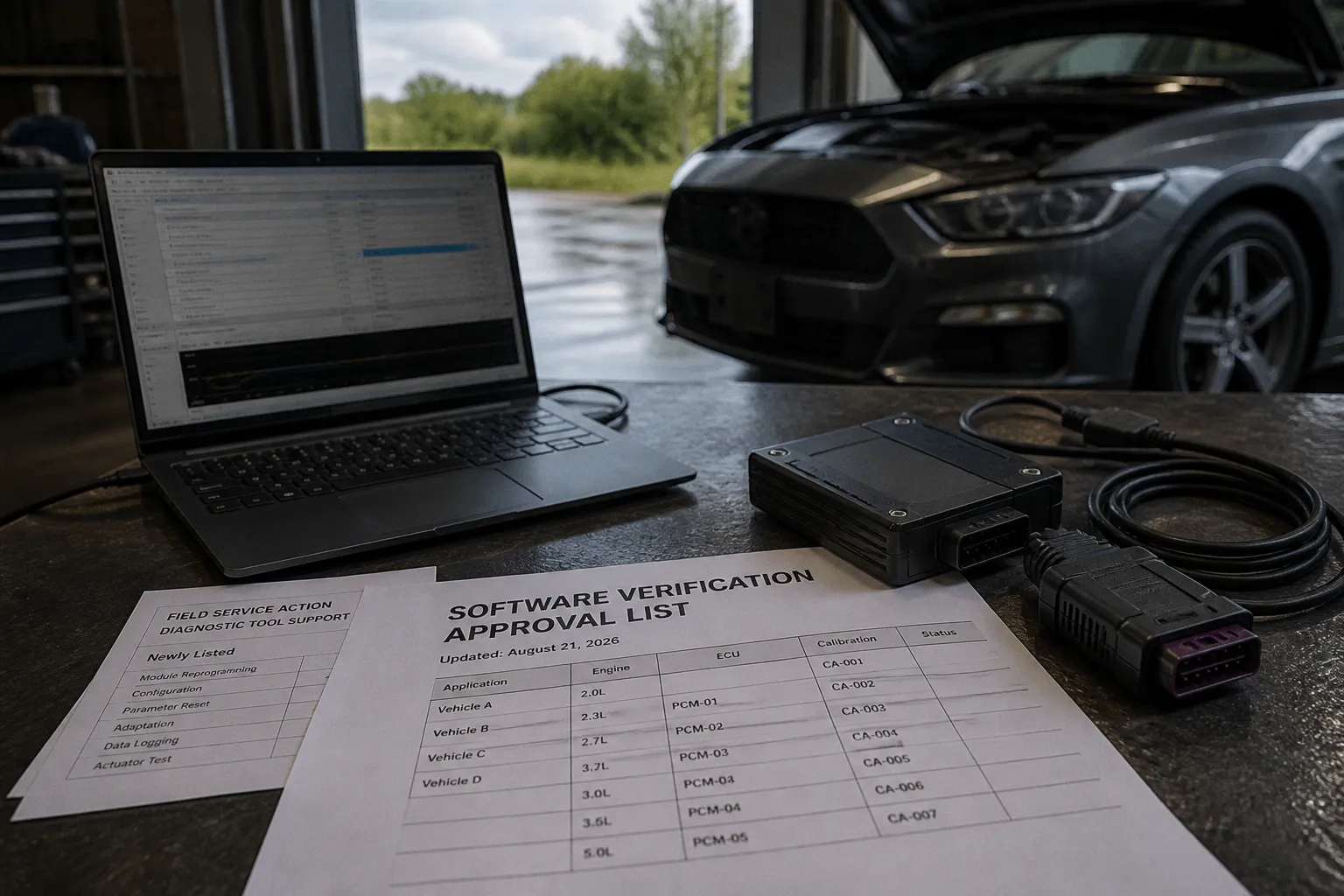
In a separate but adjacent move, Ford refreshed its software verification approval list on August 21st, adding diagnostic-tool support for a field-service action that opened repair orders on August 19th and now runs through FDRS. It doesn't touch aftermarket tuning directly, but it's worth noting in the same breath: OEM diagnostic ecosystems keep shifting under us, and the same logic applies — check the tool, update the tool, then turn the key. Long term, expect these format consolidations and firmware gates to keep arriving as more of the work migrates into the software layer we used to leave alone.