KESS3 Platform Now Supports OBD Programming for Continental GPEC4LM ECUs
Alientech has extended its KESS3 platform with OBD support for the Continental GPEC4LM ECU, as detailed in protocol release Upgrade 3.39.
Aldous Moorland·updated August 16, 2026
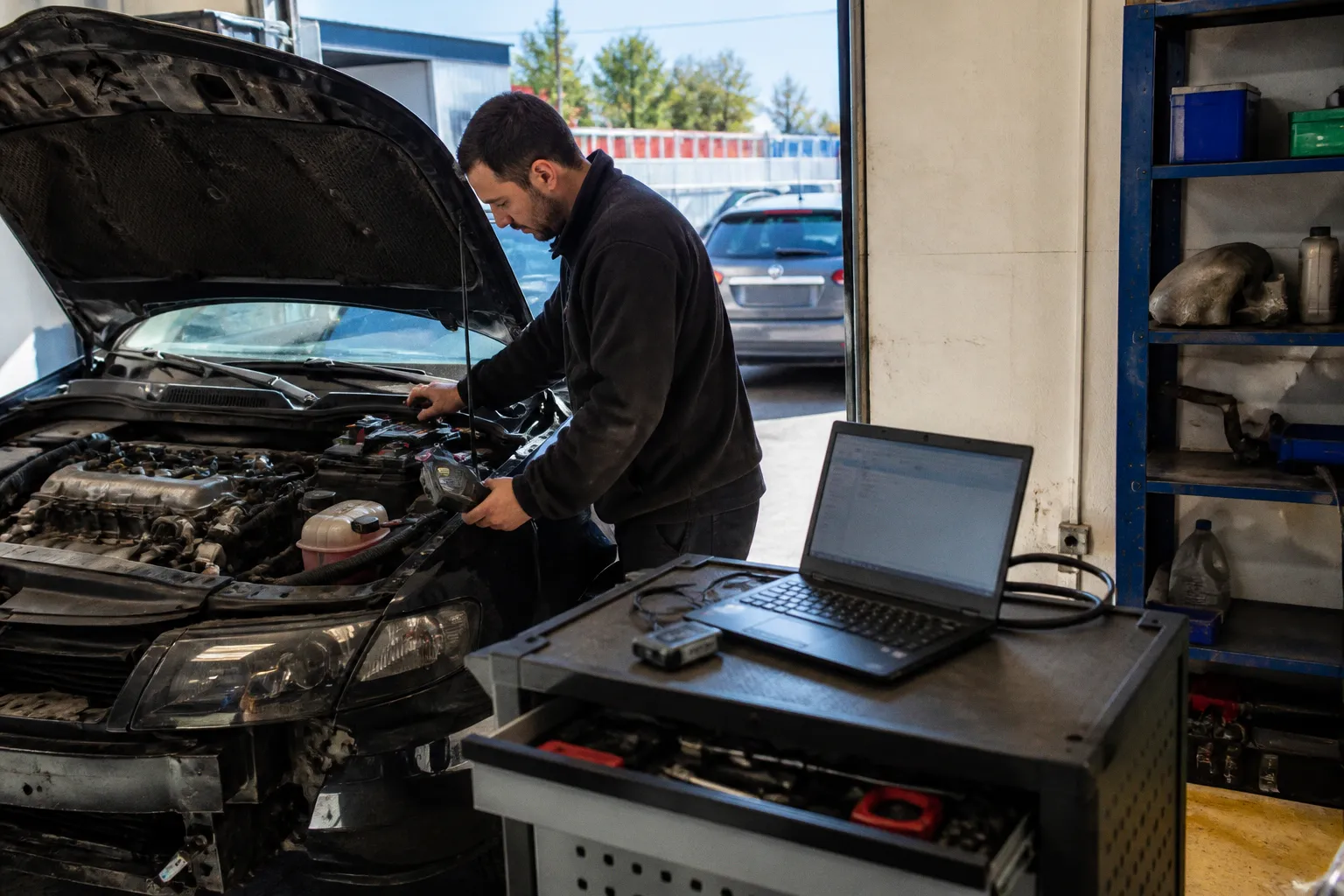
Read and write operations now run directly through the standard OBD diagnostic port on Stellantis and former FCA petrol and hybrid vehicles produced from 2016 onward. The update removes a bench extraction step on a growing segment of import service work. Connection method is now a diagnostic variable: OBD first, BOOT mode retained as fallback.
Coverage scope
The Continental GPEC4LM is fitted across Abarth, Alfa Romeo, Citroën, Dodge, Fiat, Jeep and Peugeot city cars, saloons and SUVs. Both petrol and hybrid powertrains are covered under the new protocol. Jeep Compass, Alfa Romeo Tonale, and the current Peugeot and Citroën hybrid and turbo-petrol lines represent the high-traffic service items arriving in workshops with increasing frequency. BOOT mode remains available for cases where the OBD handshake fails or security gating blocks the session. Remote OBD management through Powergate extends the workflow outside the physical workshop bay, allowing file delivery without the vehicle present.
Operational shift
Hybrid variants are notably more time-consuming under the previous bench-only workflow. ECU removal on these applications often exceeds the time required for the calibration itself. With OBD support enabled on the GPEC4LM, read and write procedures can now be completed in-vehicle. The expanded path also addresses a previous limitation: a failed OBD session no longer blocks the job entirely. BOOT mode provides a documented fallback rather than a workshop-improvised recovery, and the choice between methods can now be made on a per-vehicle basis depending on access, ECU state, and security handshake behavior.
Practical handling at the bench
Before initiating a write through the new OBD path, confirm the ECU identification string matches GPEC4LM and log the existing calibration ID. Retain a backup of the original read. After the write completes, re-read via OBD and compare the calibration against the captured baseline. If verification fails, do not retry the OBD session. Return to BOOT mode, re-establish communication, and attempt recovery from the bench connection. A repeated OBD retry on a corrupted session compounds the fault rather than resolving it. Document the calibration ID before and after every operation. Treat any post-write drivability complaint as a verification gap until the ECU state is confirmed against the original capture.